
Design Studio
Plan your cabinet layout before you order. Verify measurements, check fits, and build your parts list.
Step 1: Choose Your Cabinet Style
All cabinets in your design will be from the same style. Pick the look you want.
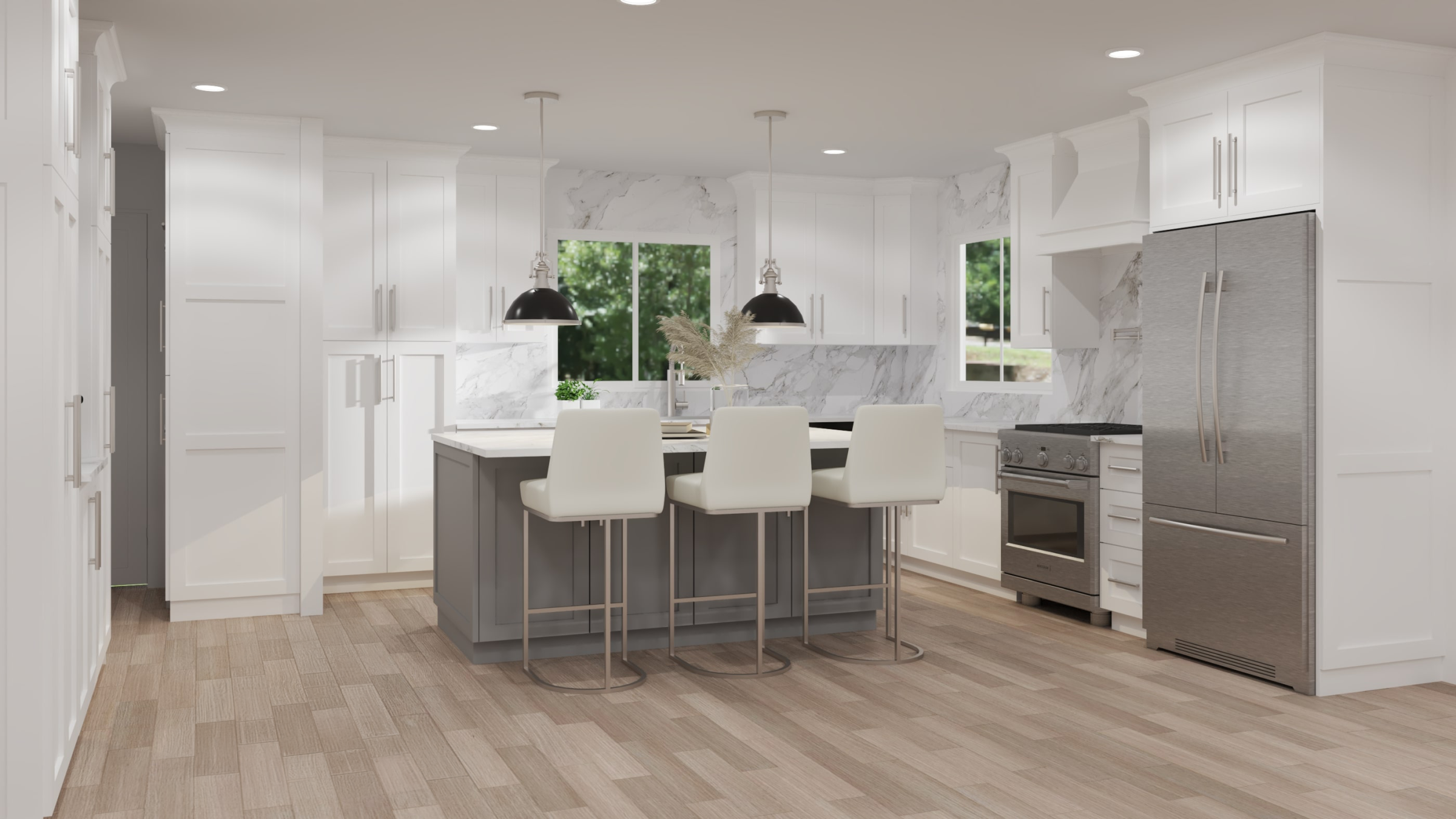
Shaker White
From $100.36
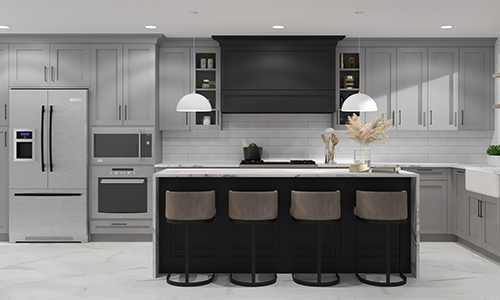
Shaker Gray
From $100.36
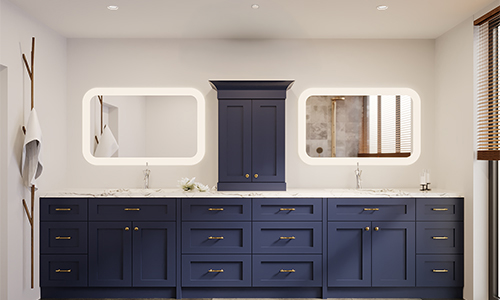
Shaker Blue
From $128.69

Shaker Green
From $118.77
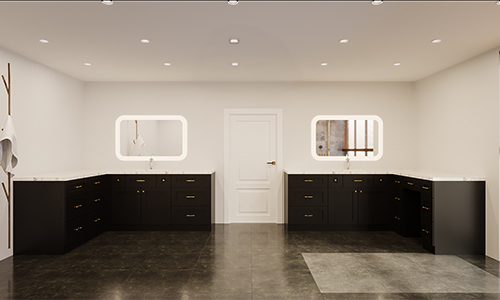
Shaker Black
From $118.77

Shaker Brown
From $118.77

Shaker Natural
From $100.36

Antique White
From $100.36
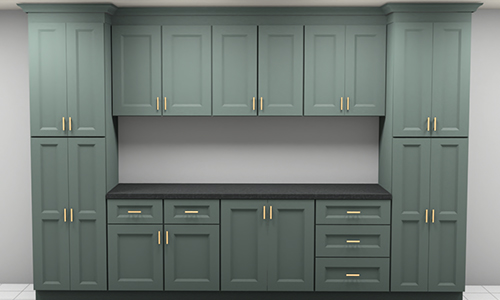
Pewter Green
From $118.77

Classic Wheat
From $100.36
Slim Shaker White
From $100.36
Slim Shaker Black
From $100.36
Or Start from an Example
Load a pre-built layout to see what a completed design looks like, then customize it.
Step 2: Define Your Walls
Measure each wall where cabinets will go. Enter the length in inches.
Quick Conversion
Step 3: Place Cabinets on Your Walls
Click "+ Add" to place cabinets. They'll fill in from left to right.
Select a wall to view the layout.
Cabinets — Loading...
Loading cabinets...
Don't lose your work — designs take time.
Log in or create a free account to save your design, come back later, and track your project from planning to delivery.